
A live score and category
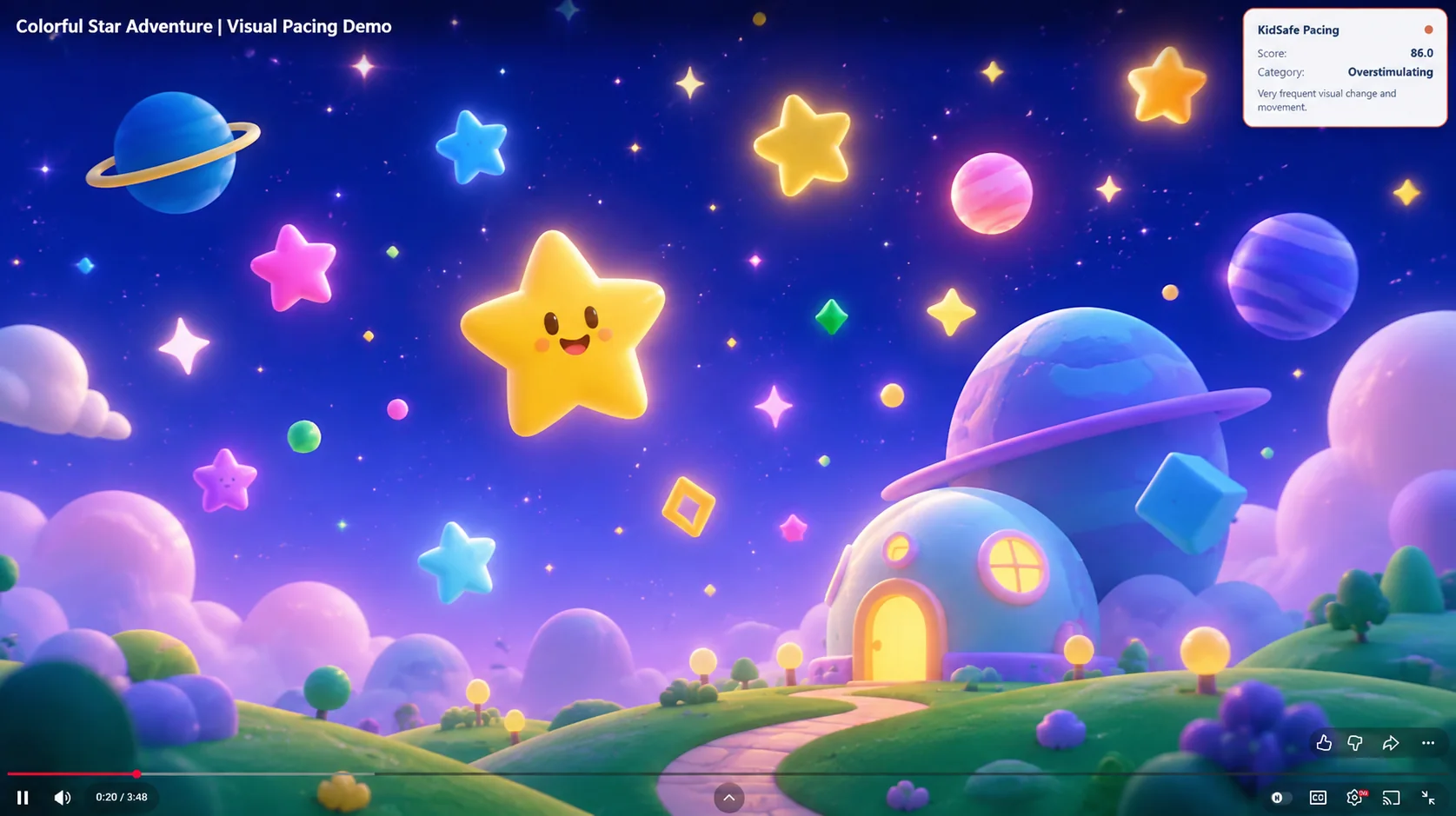
Follow visual changes through four categories, from Calm to Overstimulating, with a short explanation. Show or hide the on-page indicator from the extension popup.
A little more perspective on every video
See the visual pacing of YouTube videos and Shorts with a simple, live indicator. KidSafe Pacing analyzes visual changes right in your browser.
The Chrome Web Store listing is not available here yet. Installation will open when the listing is verified.
More visibility. Clearer choices.
A small indicator adds useful context while you watch. You decide what comes next.
Follow visual changes through four categories, from Calm to Overstimulating, with a short explanation. Show or hide the on-page indicator from the extension popup.
Visual information is processed on your device. KidSafe Pacing does not upload video frames, pacing results, or local history. No registration is required.
See up to five distinct videos in recent local history after sufficient analyzed playback. Results include each video’s peak pacing score and category.
Small indicator. Useful context.
The indicator summarizes changes between video frames, including movement, scene changes, brightness variation, and changes in visual rhythm.
It sits alongside your video. The extension is informational and leaves playback decisions to you.
Understand the four categories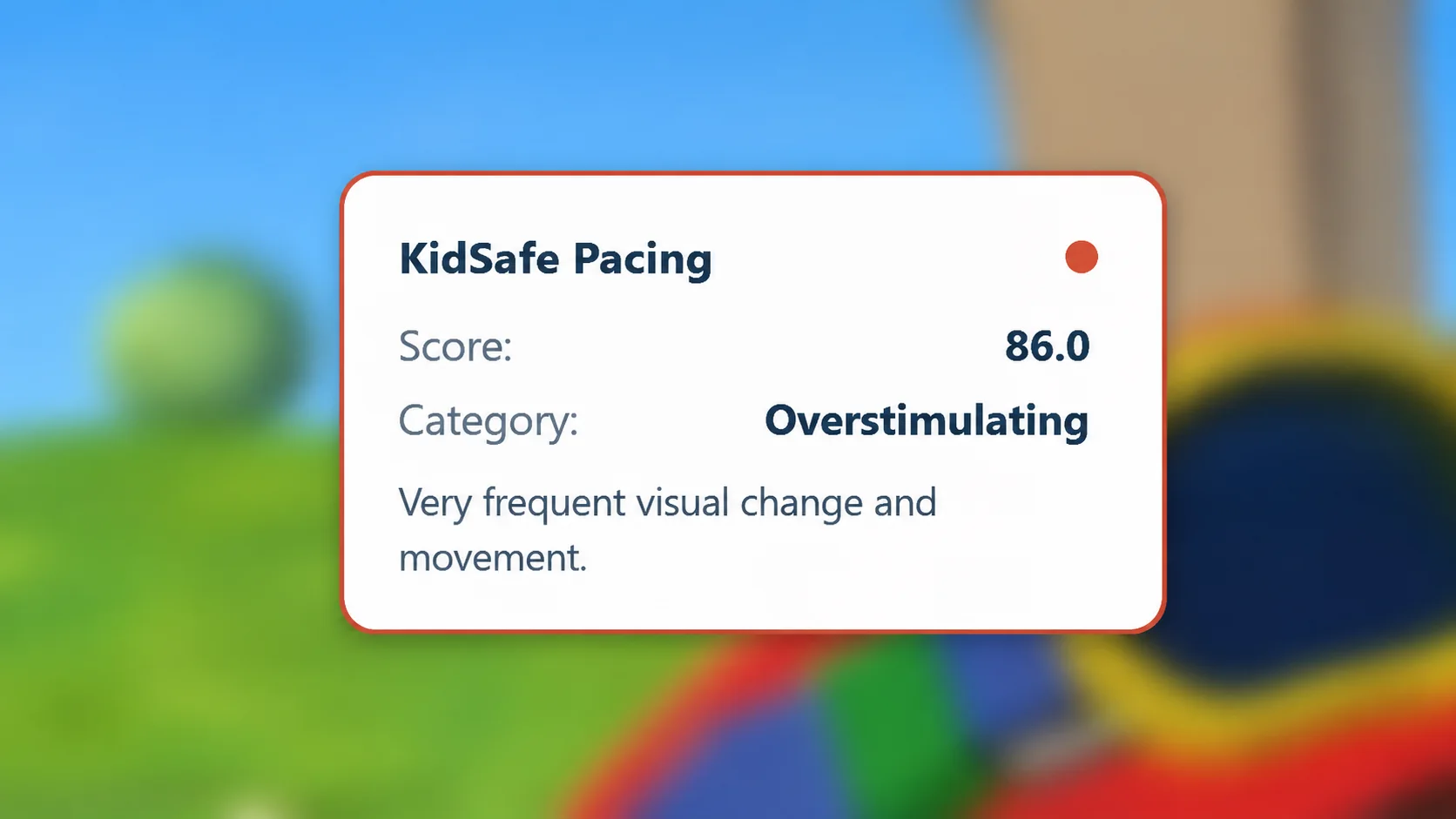
How it works
Add KidSafe Pacing from its verified Chrome Web Store listing when available.
Visit YouTube in Chrome and play a standard video or a Short.
View the live score and category while watching. Open the extension popup for recent local results.
Understanding the indicator
The categories summarize measurable visual pacing. They describe how the visuals change over time.
Slow visual change and limited movement.
Moderate visual change and movement.
Frequent visual change and movement.
Very frequent visual change and movement.
These labels describe visual pacing only. They do not assess content quality, age suitability, safety, developmental impact, or clinical outcomes. “Overstimulating” is a visual pacing category, not a diagnosis. Use the indicator as context alongside your own judgment.
Privacy first
KidSafe Pacing processes video frames temporarily on your device. Your preferences and recent results use Chrome’s local extension storage.
Read the privacy notice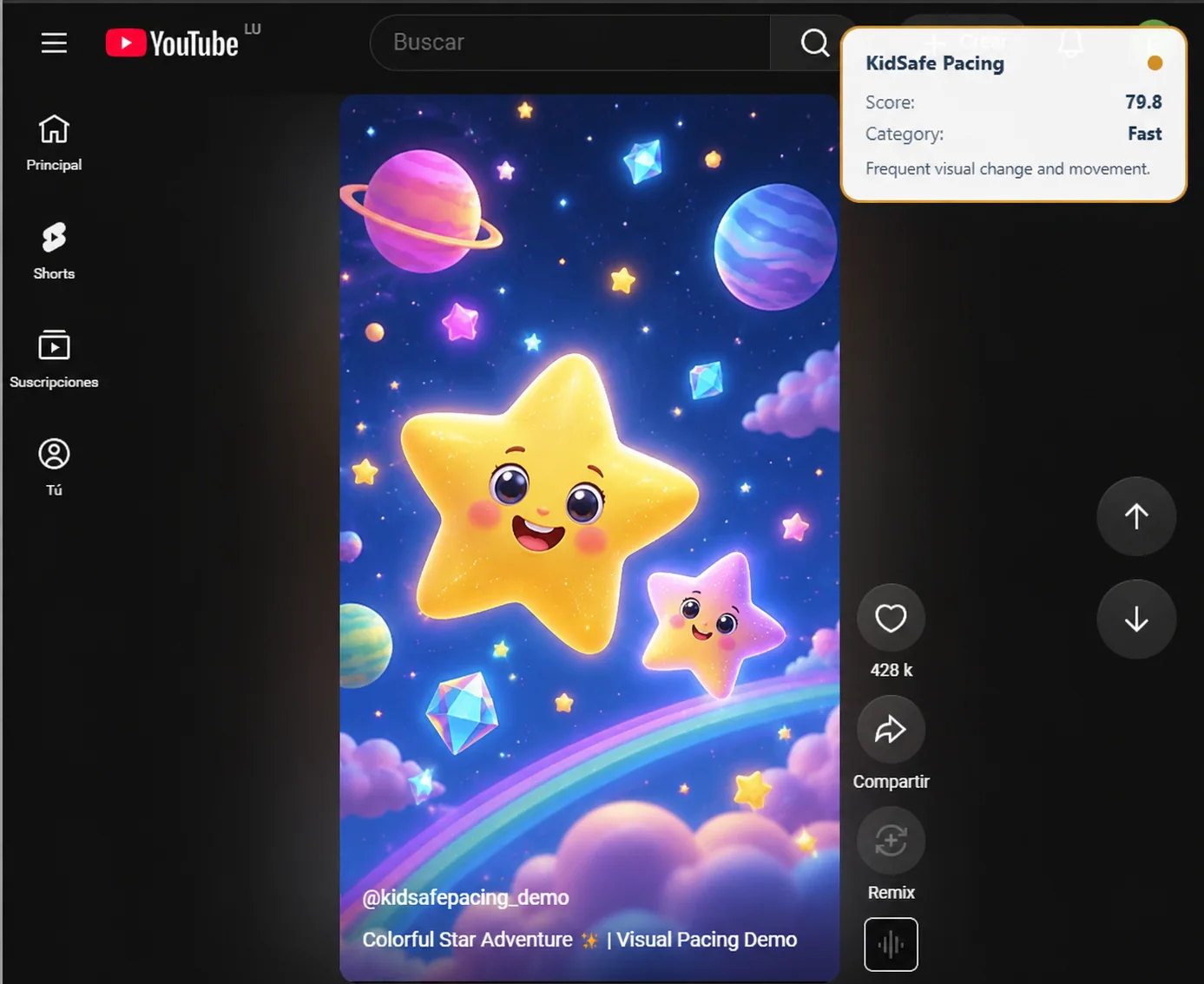
Videos, and the next Short
KidSafe Pacing works with supported standard videos and Shorts at www.youtube.com in Chrome. The live score updates as visual changes are analyzed.
Need help getting started or understanding your history?
Visit support and FAQsKidSafe Pacing
Free visual pacing for YouTube videos and Shorts. Locally analyzed, with no registration required.
The Chrome Web Store listing is not available here yet. Installation will open when the listing is verified.